
How to set up the VPN
Here is the instructions on how to Download and set up the VPN.
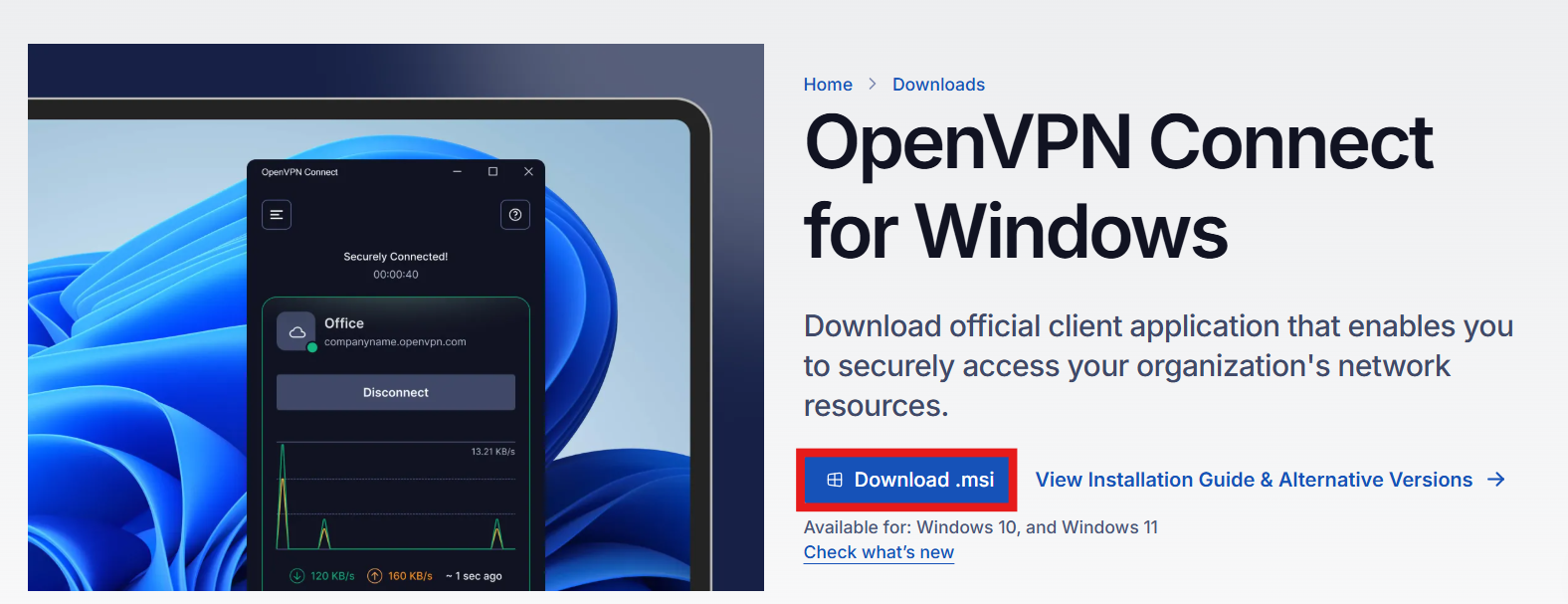
- Download OpenVPN tool from the following link: Install OpenVPN
- Click on the option that says: Download .msi
- Once is installed, open the tool.
- Add the URL for AGMarketing: agmarketingconnectvpn.openvpn.com
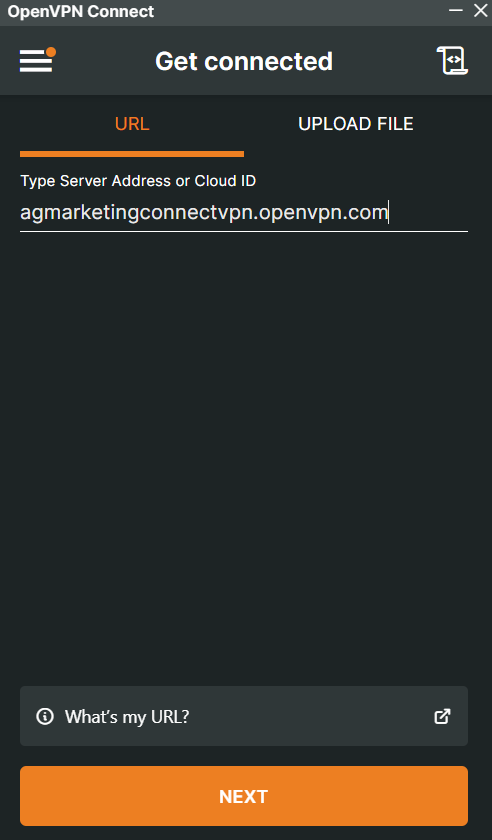
- Click on "NEXT", this will prompt you to an external link on your browser.
- Place the right Username/Email and Password created for the user.
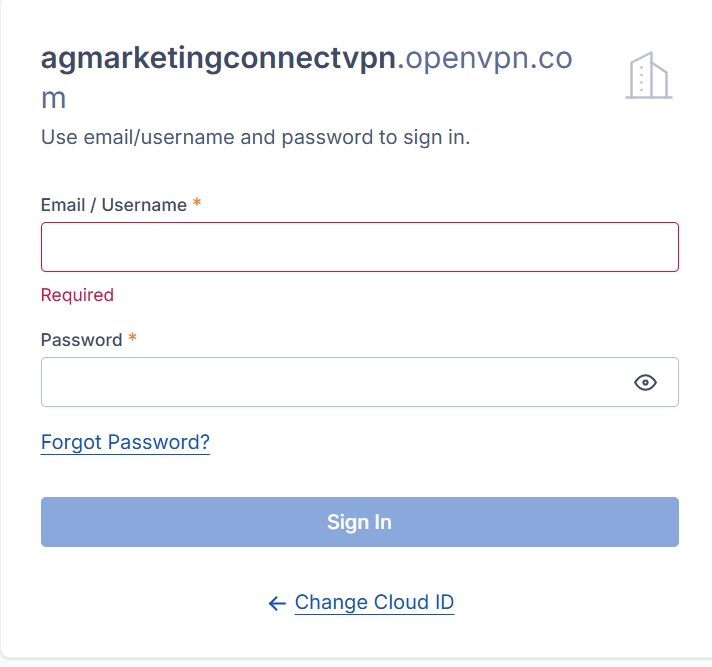
- Click on "Sign in"
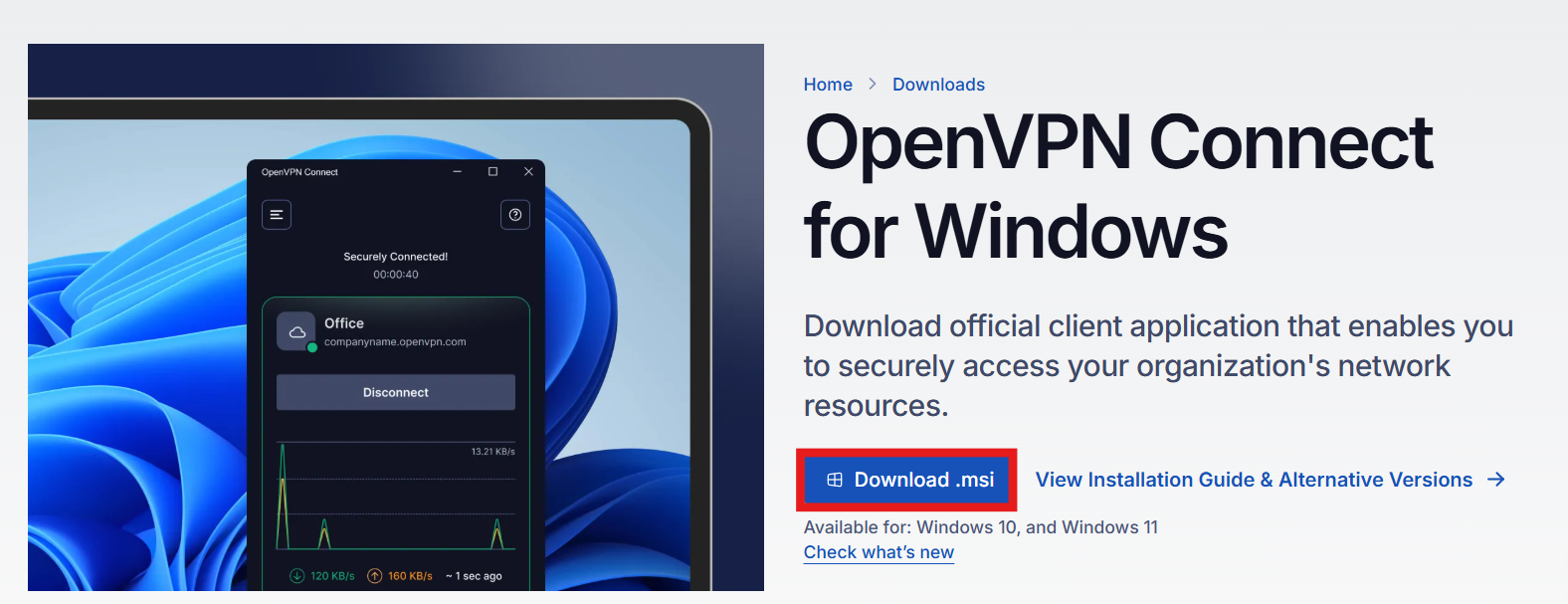
If the steps are followed correctly, you should be able to access, if you don't, see the troubleshooting steps: VPN Issues
No comments to display
No comments to display