
How to Block numbers
- Access to VICI
- Choose Administrator and re-enter your credentials.
- Go to the "Inbound" option.
- Click on "Add-Delete FGP Number".
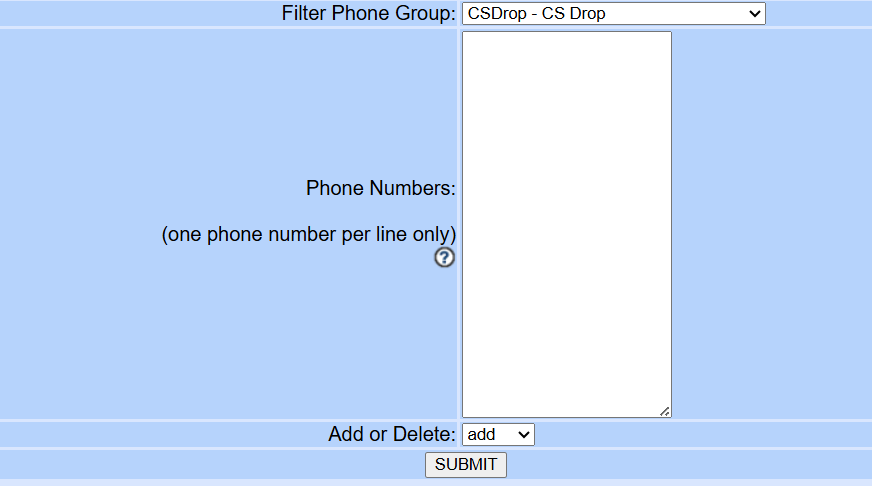
- Add the number on the field "Phone numbers".
- Click on Submit.
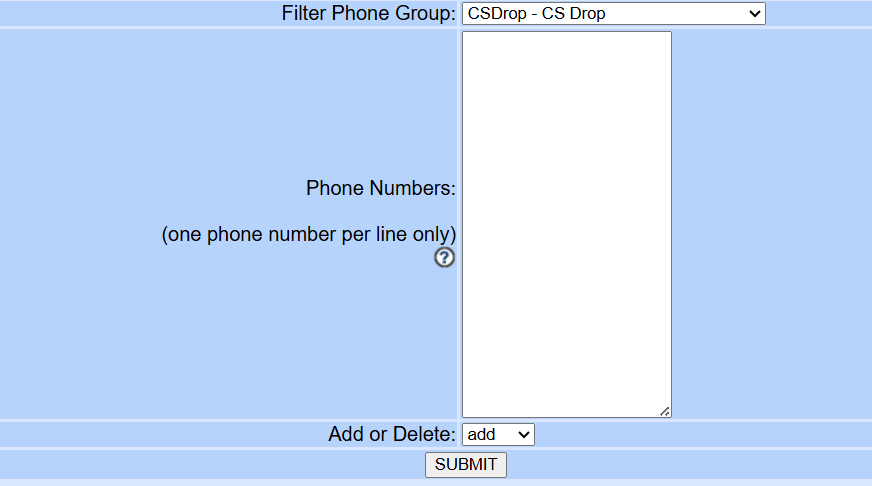
Note: Add the number with the number 1 and without it. Example: 1555-555-5555 and 555-555-5555.
No comments to display
No comments to display